
Key takeaways
- A printer began as a peripheral of one computer, and it needed software matched to its model, a driver or the data files a shared driver used, to understand what that computer sent.
- Networks turned the printer into a shared service, but they did not make it self-describing: every computer that printed, or the print server standing in for them, still had to know the model at the other end.
- Driverless printing reversed that. Standards built on IPP and network discovery let a printer advertise what it can do and accept common page formats, so AirPrint on iPhone and Android's built-in print service need no per-model driver.
- On iPhone, Smart Printer works on top of that layer: its App Store listing says it prints through AirPrint. What it adds is the part that moved to the phone, which is finding, scanning and preparing the document.
The printer used to belong to the computer
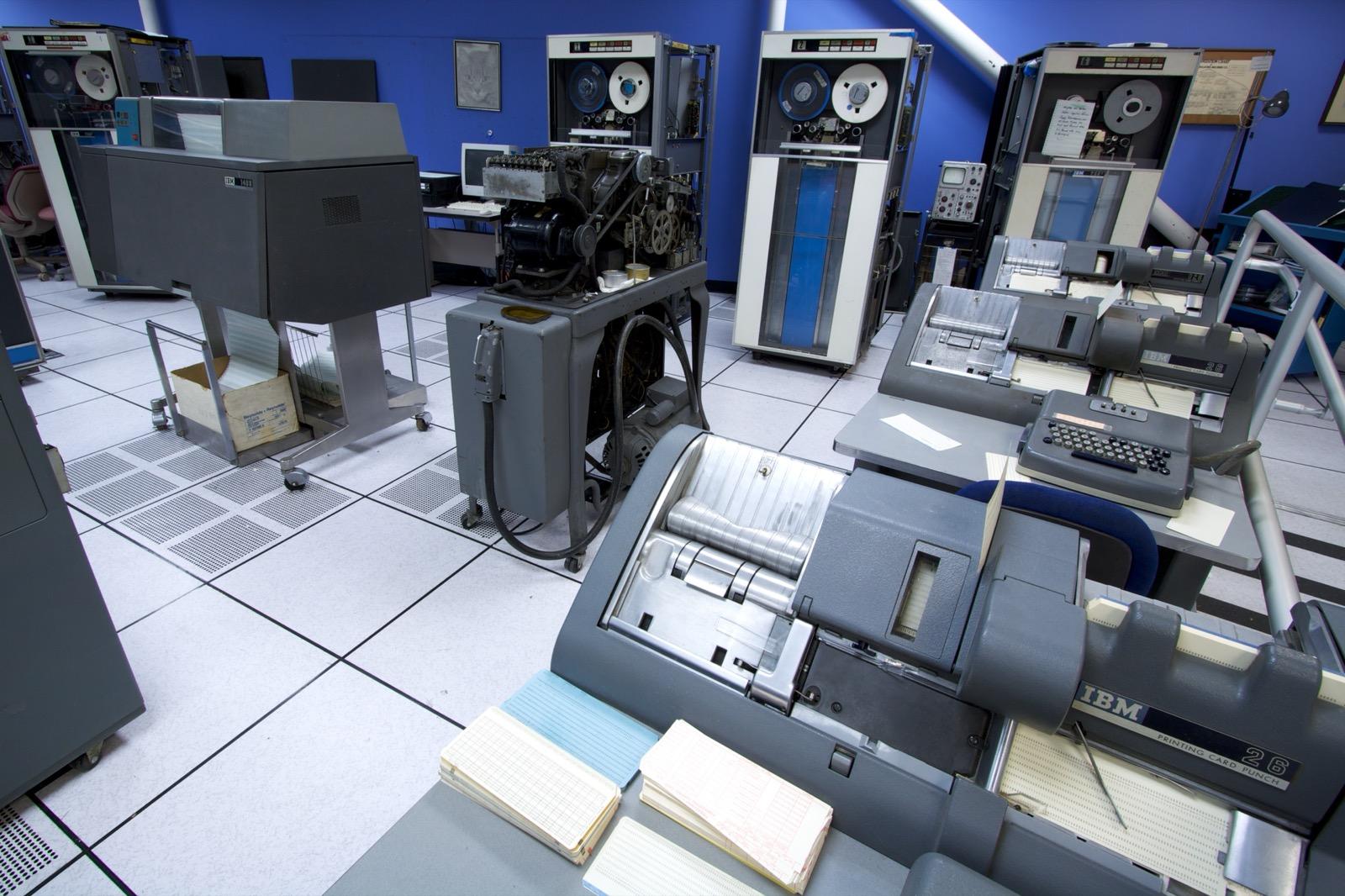
In the archive's account of early computer printing, output arrived a line at a time on continuous fan-fold paper. The printers that produced it were part of one computer's installation. The personal computer shrank the arrangement without changing its logic. A printer sat within a cable's length of one machine, and that machine was the one that printed. The archive's history of office printing before Wi-Fi describes the consequence plainly: printing was a located, wired activity, and the office's layout decided who could print what.
The cable was the visible tie. The invisible one was the driver. Printers spoke different command languages and offered different features, so the computer needed software that could translate a page into what one particular model expected. Microsoft's documentation describes the two halves of that software precisely: a rendering component that converts an application's graphics commands into the data format the printer uses, and a configuration component that lets people control the printer's options. The archive's guide to how printer drivers work explains why that software sat between applications and the printer, and what changed when printing went driver-free.
The result was a burden carried by every pairing of operating system and printer. Historically, each printer model needed its own support on each system, whether a PostScript description file with filters, a Windows minidriver or a vendor's own binary. For a desktop computer that was an installation step. For anything small and portable it was a wall.
The network made the printer a shared service
Networks loosened the cable first. The Berkeley line printer daemon protocol let a computer hand a job to a spooler on another machine; when RFC 1179 documented it in August 1990, it recorded existing practice rather than defining something new. HP's JetDirect cards and boxes then let a printer join the network as a node of its own, and sending raw data to TCP port 9100 became a de facto convention.
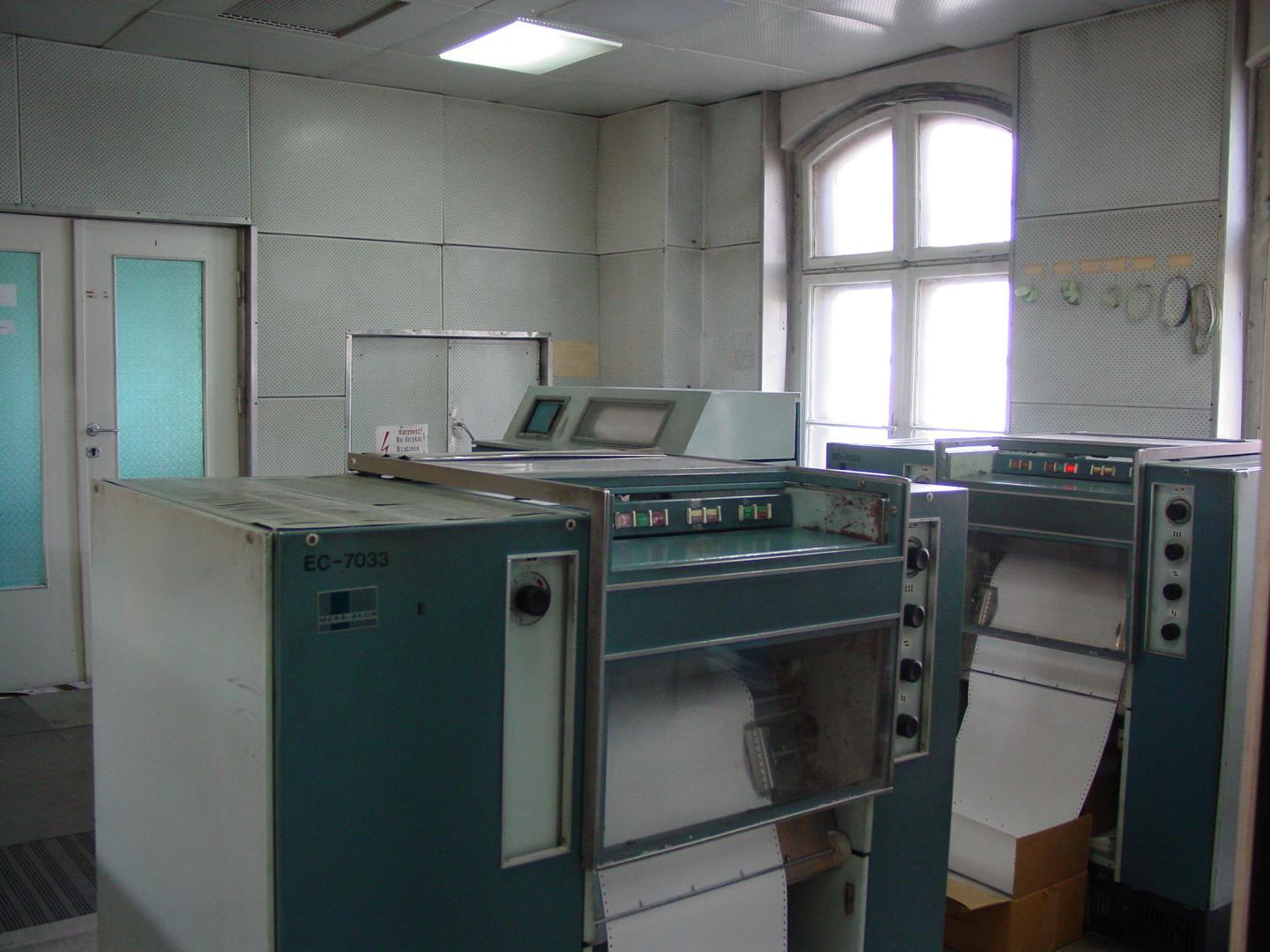

In larger organisations a print server held the queues and the drivers for a whole floor, and in the archive's history of print servers in large offices its purpose shifts with scale from sharing a device to governing a fleet. But the network did not change what a printer was. It made the printer reachable from many desks, while every computer that used it, or the server standing in for them, still had to know the model at the other end. The printer was shared. It was not yet self-describing.
The driver became less visible
The protocol that would change this arrived years before phones made use of it. The Printer Working Group dates its Internet Printing Protocol project to November 1996, and IPP/1.1 was issued as an IETF Proposed Standard in September 2000. IPP runs over HTTP, and it lets a client ask a printer about its capabilities as well as send it a job. The archive's history of mobile printing puts the consequence in one sentence: by the autumn of 2000 there was a published way to submit a print job across a network without installing anything specific to the printer at the far end. The common page formats every printer would have to accept came only later.
Discovery supplied the other half. Apple brought automatic discovery to IP networks in 2002 as Rendezvous, later renamed Bonjour; the IETF's own account of DNS-Based Service Discovery traces the idea to running AppleTalk's name-binding protocol over IP. Multicast DNS and DNS-Based Service Discovery were published as IETF Proposed Standards in February 2013. Together they let a device find the printers on its local network without anyone typing an address. As the archive's page on Bonjour printing puts it, discovery is the find-it half of the story, and IPP with the agreed page formats is the send-it half.
What had been missing was a requirement. AirPrint, which reached iPhone and iPad users with iOS 4.2 on 22 November 2010, did not invent driverless printing; the archive's entry on AirPrint describes Apple's feature as submitting jobs over a local network with IPP and Bonjour, without printer-specific drivers. What it added was obligation. In the archive's reading, what shipped was IPP submission, Bonjour discovery and a mandatory raster fallback: a compulsory profile over a ten-year-old standard, backed by the ubiquity of the operating system. The Printer Working Group followed with IPP Everywhere in January 2013, a vendor-neutral version of the same idea.
Android took a different route. In 2013 two things happened: Android 4.4 introduced a print framework, in which a print manager hands each job to an installed print service, so that manufacturers could plug in their own; and Canon, HP, Samsung and Xerox launched the Mopria Alliance to promote simple mobile printing across brands. Mopria's technology later became the basis of the default print service built into Android.
The archive's guide to driverless printing lays out the full stack. Its consequence for the story is simple: the burden moved. Translating for a particular model stopped being the job of every computer and became the job of the printer, which now had to implement the standards and describe itself correctly.
The phone became part of the document workflow
Before that inversion, phones printed badly or not at all. The archive's history of mobile printing before AirPrint records five separate workarounds for portable devices between 1998 and 2010, from cameras and PDAs to feature phones, each with its own failure. In 2013 the Printer Working Group named two obstacles: mobile devices roam from network to network constantly, and their small, lower-cost form factor, including memory size, does not allow for device-specific drivers.
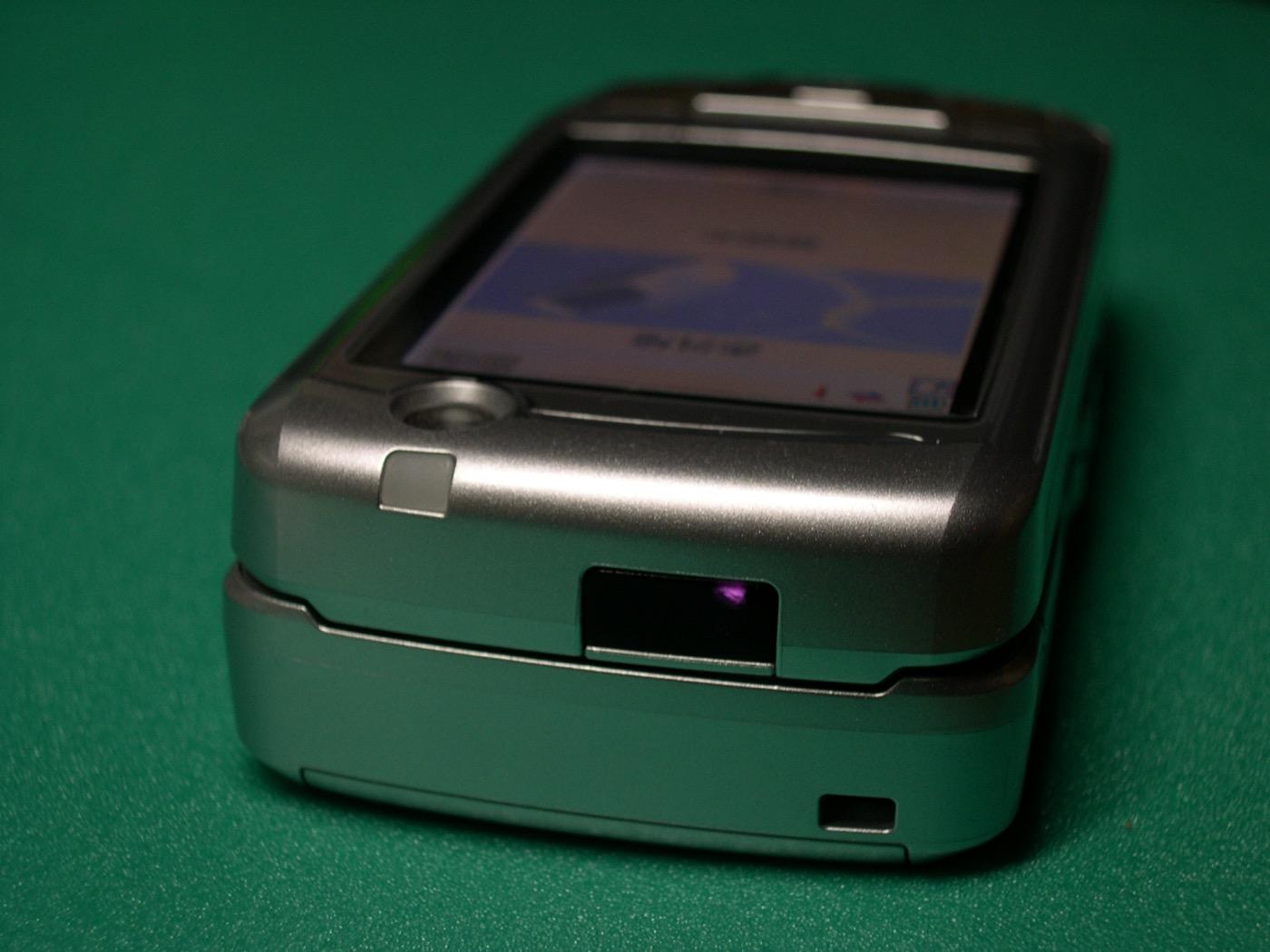

The archive draws a sharp conclusion from that record: the phones of 2010 were not dramatically better at printing than the phones of 2006; the printers were. Its history of wireless printing describes the same change from the printer's side. The printer stopped being a fixed endpoint that you walked to and became a discovered service that any device on the network could use briefly and forget.
Meanwhile the documents themselves moved. A page that needs printing now often reaches a person first on a phone: as an email attachment, a photo of a paper form, a file in cloud storage or a web page. Both platforms answer with a built-in path. The archive's workflows for printing from an iPhone and printing from an Android device describe it in a few steps, and when the printer supports the standards and shares the phone's network, nothing model-specific needs to be installed.
The phone did not learn to drive the printer. The printer learned to describe itself.
Why a printing app, when the phone can already print?
That is the fair question to put to Smart Printer, an app in the HELPERG ecosystem for iPhone and Android, and its App Store listing points to an answer, at least for iPhone. Smart Printer does not claim to replace the platform's printing there: the listing states that printing works through AirPrint, without installing additional drivers or software. On iPhone, then, it sits on top of the driverless layer this story has followed, not in place of it.
What it adds is the part of the job that moved to the phone. The listings describe printing photos, documents, emails and web pages, with files in PDF, DOC, XLS, PPT, JPG, PNG and TXT formats and imports from Dropbox and iCloud Drive. The camera scans documents, IDs, passports, receipts, business cards and notes, and scans can be edited, filtered and saved in various formats. Before anything is printed, the app offers a PDF preview, and its listing describes settings for the number of copies, page orientation and paper size; its screenshots also show a set of ready-made printables, from gift cards to calendars and planners.
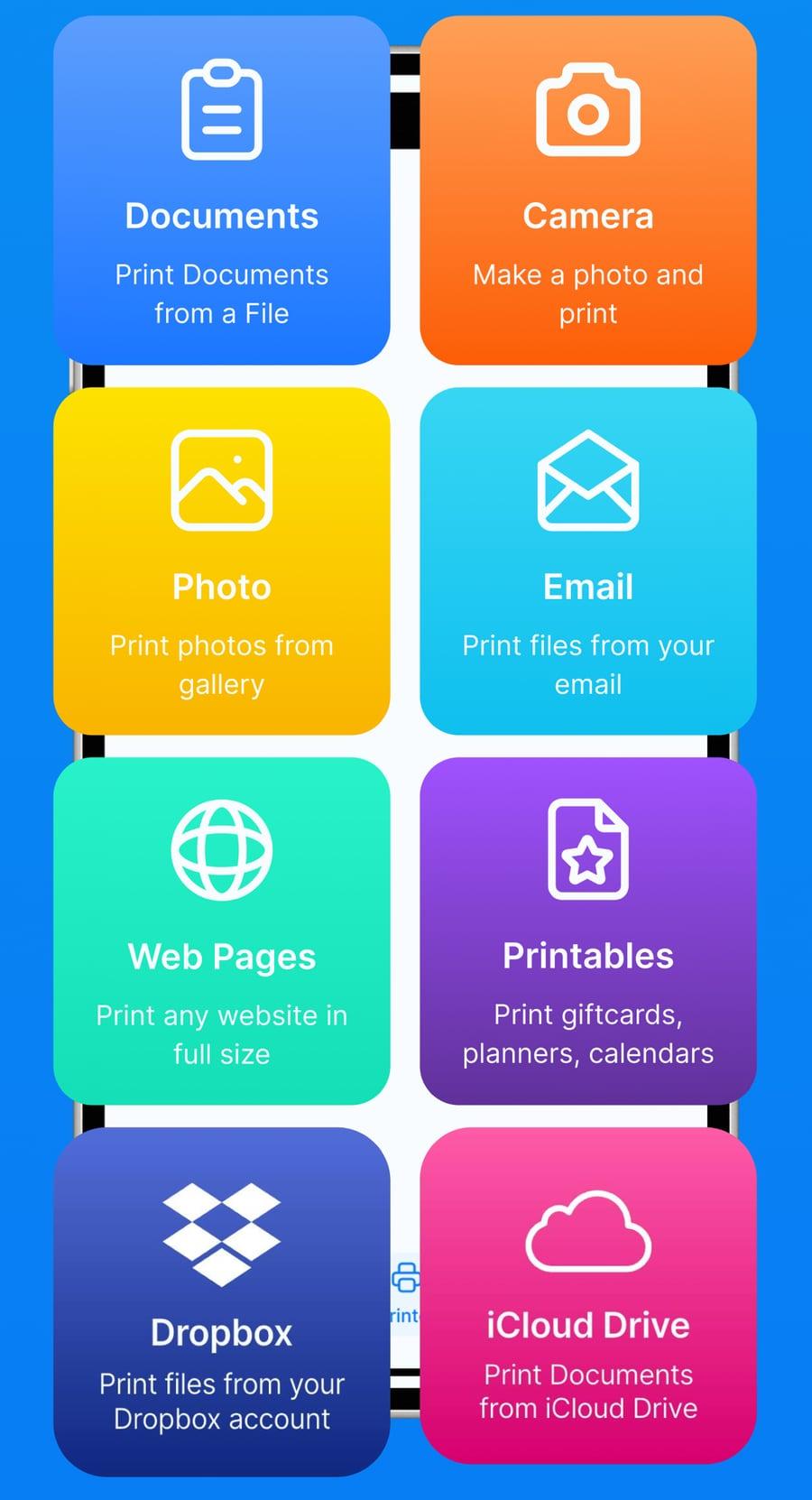
Read that way, the iPhone app is a small, current example of the whole transition. The driver no longer lives on the phone, because the printer and the operating system share the standards. What the phone holds instead is the document in all its forms, and a printing app's job is to gather that document, prepare it and hand it to a printer that already knows how to describe itself.
Smart Printer today
Smart Printer is listed under slightly different names in the two stores: as Smart Printer: Scan Master Pro on the App Store, with HRHELPERG LLC as its developer, and as Printer Smart: Scan, Print PDF on Google Play, published by hrhelperg s.r.o. The Google Play listing carries the same feature description as the App Store listing; this article makes no claim about how the Android version connects to printers.
The larger transition
Printing did not disappear. What changed is where the work around it happens. The printer went from a peripheral of one computer to a service on a network that announces what it can do. The driver went from per-model software on every machine to shared standards in the printer and the operating system. And the preparation of a page, finding the file, scanning the form, choosing the copies, moved to the device a person carries.
That is the kind of change PrinterArchive exists to record: not the disappearance of a technology, but the quiet relocation of its parts. Each step in this story kept the printed page and moved something else, first the cable, then the driver, then the desk itself. Fax made the same journey from a telephone-line machine to software, as the companion story on fax traces. Smart Printer is one of the places this last step has landed.
[1]Frequently asked questions
- What does a printing app add if the phone already prints without drivers?
- Not the connection to the printer: on iPhone, Smart Printer's App Store listing says it prints through AirPrint, the system's own driverless printing. What such an app adds comes before the print. Smart Printer's listings describe gathering a document from files, photos, email, web pages or cloud storage, scanning paper with the camera, and previewing the result before it is printed.
- Does Smart Printer replace AirPrint?
- No. According to its App Store listing, Smart Printer prints on iPhone through AirPrint, without additional drivers or software. This article makes no claim about how the Android version connects to printers, because its Google Play listing does not establish it.
Source transparency (17 sources)
These references support claims made in this entry, in two kinds. Historical and technical claims rest on institutional and public-domain sources; see Source policy. Product claims rest only on the product’s own website, documentation and store listings, which are listed separately and describe what the product says about itself.
Sources consulted (17)
Historical and technical sources (15)
- Introduction to printing — Microsoft Learn
- Printer driver architecture — Microsoft Learn
- RFC 1179: Line Printer Daemon Protocol — IETF / RFC Editor
- Using Network Printers (AppSocket / HP JetDirect, port 9100) — OpenPrinting / CUPS
- IPP Frequently Asked Questions (IPP workgroup; dates the IPP project to November 1996 and IPP/1.0 to April 1999) — Printer Working Group (PWG)
- RFC 2911 — Internet Printing Protocol/1.1: Model and Semantics — IETF
- RFC 6762: Multicast DNS — IETF / RFC Editor
- RFC 6763: DNS-Based Service Discovery (Appendix G, deployment history) — IETF / RFC Editor
- Apple's iOS 4.2 Available Today for iPad, iPhone & iPod touch — Apple Newsroom
- IPP Everywhere v1.0 (PWG 5100.14, 2013-01-28) — Printer Working Group
- Android 4.4 KitKat (printing framework) — Google / Android
- Canon, HP, Samsung and Xerox Launch Alliance to Drive Simple Mobile Printing (founding press release) — Canon
- BuiltInPrintService.java, Android's built-in print service (copyright The Android Open Source Project and Mopria Alliance, Inc.) — Android Open Source Project
- Printing from Mobile Devices, Part 2 — Printer Working Group (PWG)
- CUPS Driverless Printing — Debian Wiki
Product sources — the product’s own material (2)
- Smart Printer: Scan Master Pro, App Store listing — HRHELPERG LLC (developer); seller hrhelperg s.r.o.
- Printer Smart: Scan, Print PDF, Google Play listing — hrhelperg s.r.o.
Footnotes
- [1] Product details attributed to Smart Printer in this article, including names, developers, formats, scanning, print settings and the AirPrint statement, were checked against its official App Store and Google Play listings on 1 October 2026. Listings change, and these details describe their state on that date; they are not maintained continuously. ↩
Continue reading
- Printer driversThe driver models in technical detail, from Windows minidrivers and PostScript to CUPS filters, and why per-model drivers are being retired.
- MopriaHow a certification profile built on IPP became the basis of Android's built-in printing.
- Printer DiscoveryHow a phone or computer finds a printer it was never told about: Bonjour, WS-Discovery and the rest.
- How Wireless Printing WorksWhy most phone printing problems today are discovery problems, not driver problems.
Continue in the archive
Related reading
Guides · Advanced
Driverless Printing
How driverless printing works: the IPP, DNS-SD, and standard-raster foundation behind IPP Everywhere, AirPrint, and Mopria across every major OS.
History · From beam and dongle to network participant
Mobile Printing Before AirPrint: PictBridge, Infrared, Bluetooth, and Email-to-Print
How cameras, PDAs and phones printed before 2010 — DPOF, PictBridge, IrLPT, Bluetooth object push, email-to-print — and why each workaround stalled.
Tools
IPP (Internet Printing Protocol)
Encyclopedic reference on the Internet Printing Protocol (IPP): its RFCs, HTTP-based model, IPP Everywhere, driverless printing, and STD 92.
History · Printing without the cable
The History of Wireless Printing
How removing the cable changed what a printer was for — from a fixed endpoint you walked to into a service any device could reach.