Key takeaways
- Inkjet printers place tiny droplets of liquid ink to build an image.
- A print head moves across the page while paper advances beneath it.
- Paper type strongly affects how ink sits and dries, and therefore the final quality.
An inkjet printer creates an image by depositing extremely small droplets of liquid ink onto paper in carefully controlled positions. Many such droplets together form text, lines, and continuous-looking images.
The print head
The print head contains many tiny nozzles. As the head moves across the width of the page, it fires droplets on demand while the paper is advanced step by step beneath it, so the image is built up in bands.
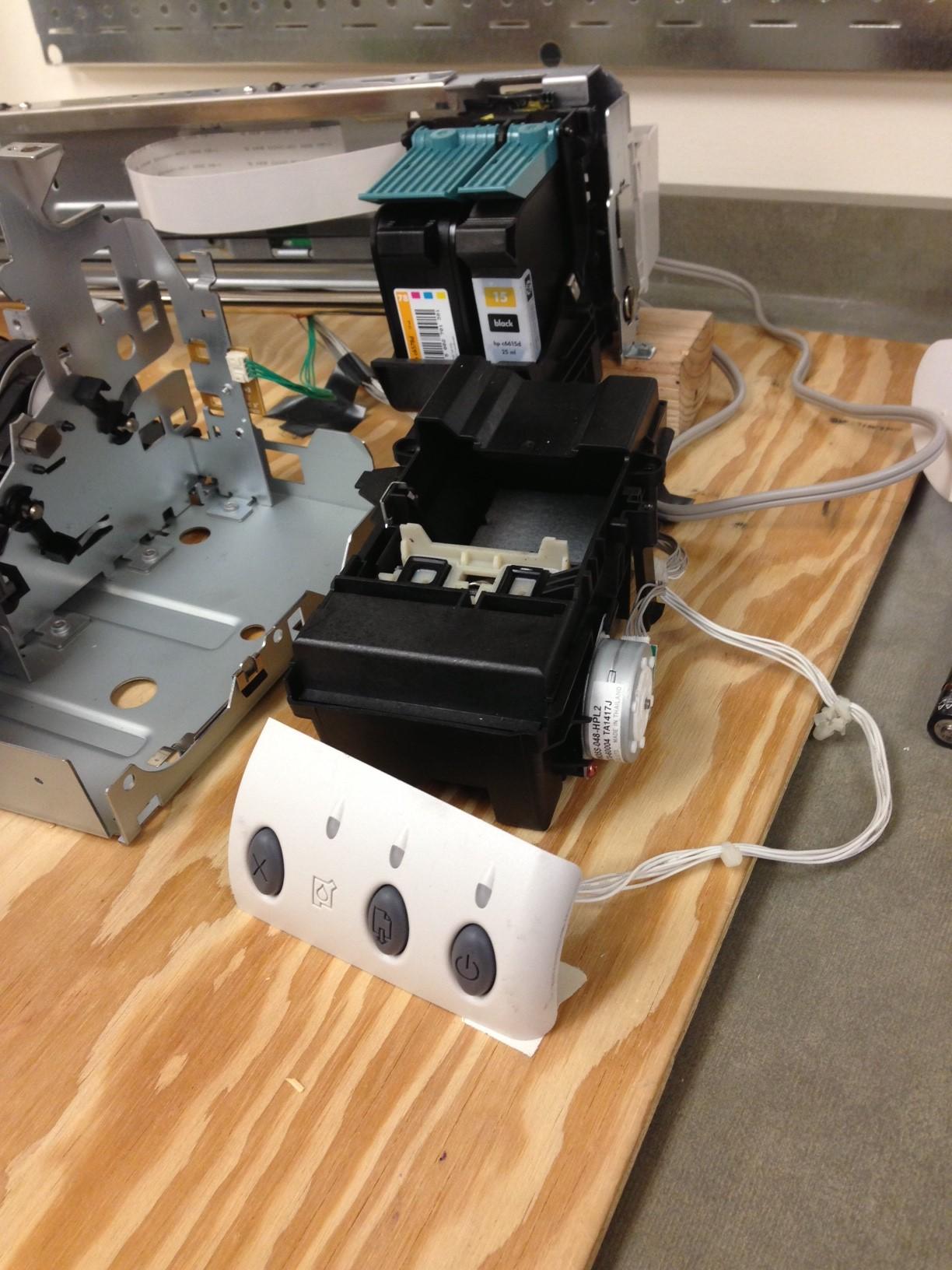

Placing droplets accurately
Print quality depends heavily on placing the right droplets in the right place at the right time. Coordinating nozzle firing with head movement and paper advance is what allows fine detail and smooth tone.
The role of paper
Because the ink is a liquid, the paper matters. Absorbent plain paper can let ink spread slightly, while papers designed for inkjet output hold droplets more precisely, which is why photo output looks best on appropriate media.
Frequently asked questions
- How is inkjet different from laser printing?
- Inkjet places liquid ink droplets onto paper. Laser printing uses static electricity and dry toner fused with heat. They are different processes with different strengths.
- Why does paper choice matter for inkjet?
- Because the ink is liquid, the surface it lands on affects how much it spreads and how it dries, which changes sharpness and colour.
- Why is inkjet often preferred for photos?
- Fine droplet control and liquid ink allow smooth tonal transitions, which suits photographic images.
Continue in the archive
Related reading
Guides · Introductory
How Laser Printers Work
How a laser printer turns a digital page into printed output using static charge, toner, and heat.
Guides · Introductory
Laser vs Inkjet Printers
A balanced, factual comparison of laser and inkjet printing and which suits text, colour, photos, and volume.
History · From niche technique to common home colour printing
The Evolution of Inkjet Printers
How inkjet printing grew from a niche technique into a dominant home and photo printing technology.
Glossary · Definition
DPI (Dots Per Inch)
DPI measures how many individual dots a printer places, or a scanner samples, per linear inch — a core measure of resolution.